Error Message
When starting an ECG in Office Medic, the error message "Wave file couldn't be loaded into memory and will be used from disk as necessary." may be displayed. It can be caused by Office Medic being unable to load a *.wav audio file. By default, Office Medic uses an audible beep to signal when the ECG leads are disconnected. When this error occurs, the user will still be able to complete an ECG, but they may not hear audible alerts.
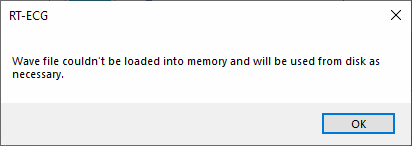
RT-ECG
Wave file couldn't be loaded into memory and will be used from disk as necessary.
Solution
Enable Use MIDI Sounds in the ECG Options. Office Medic will use legacy MIDI sounds instead of the *.wav audio file. Office Medic will no longer display the “Wave file couldn't be loaded into memory and will be used from disk as necessary." error message.
1. From the main window of Office Medic, navigate to Options > ECG…
2. In ECG Options, navigate to the Acquisition Settings and in the section Acquisition Sounds enable the option Use MIDI Sounds.

Need Help?
LEMR customers can get help by contacting LEMR Support.